

Your Privacy, Your Control: We Don't Store Your Photos
Learn how Notion Avatar Maker handles your data, why we never store the photos you upload, and how to delete your account and all associated data in one click.
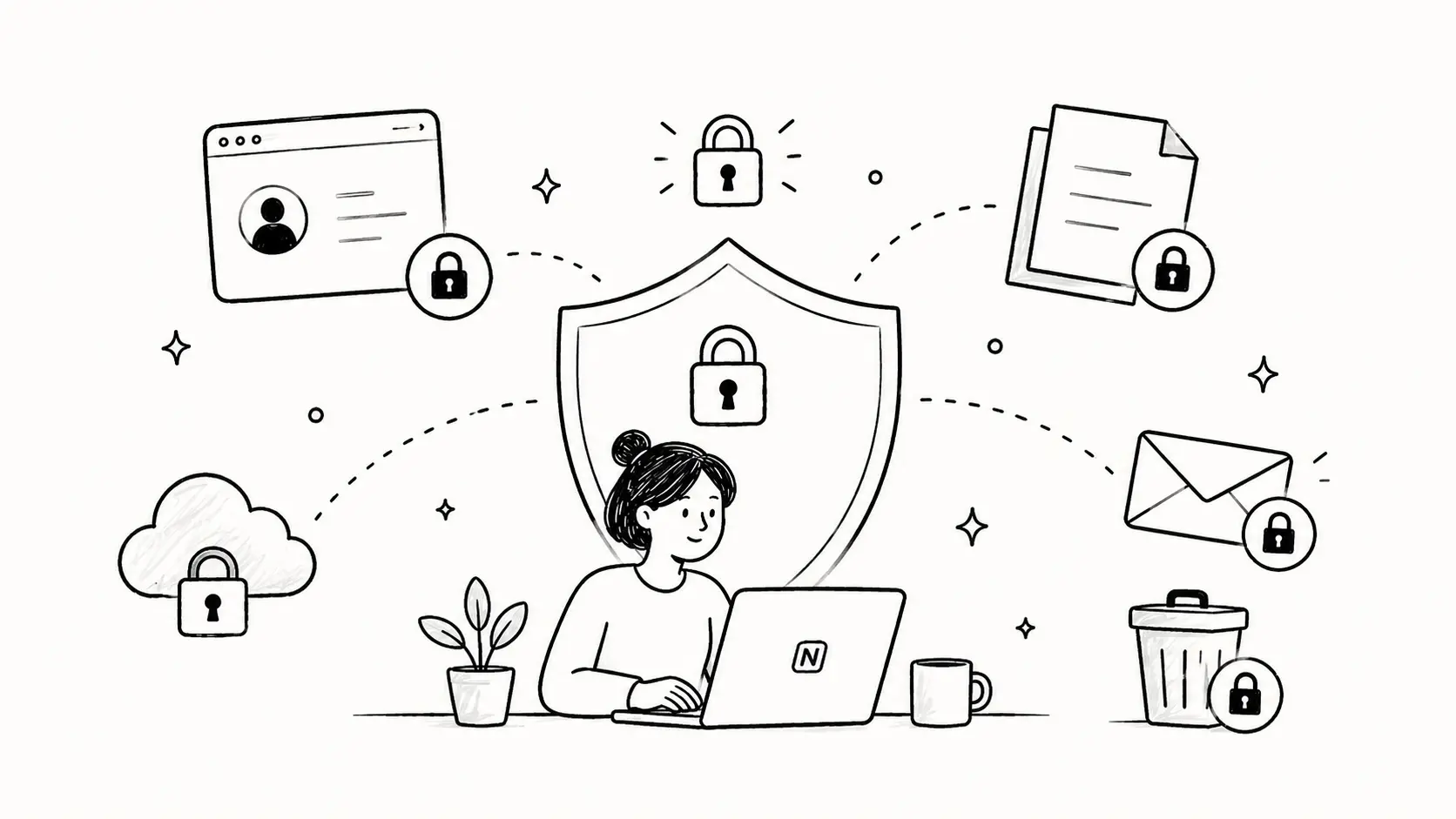
At Notion Avatar Maker, privacy is a foundation of how we build, not an afterthought. As more users rely on our AI Avatar Generator, we want to be unambiguous about what happens to the photos you upload, and to give you full control over your data. This post explains exactly how we handle uploaded images and introduces a new one-click account deletion feature, fully aligned with the EU General Data Protection Regulation (GDPR).
What We Don't Store
The single most important thing to know is this: we never store the photos you upload.
When you use the Photo to Avatar mode in our AI Generator, this is exactly what happens to your image:
- Your photo is sent to the AI model (Google Gemini) as transient input for that single request.
- The model returns a hand-drawn, Notion-style avatar.
- The original photo is never written to a database, file system, object storage, or backup in our environment.
- It is not written to any application or analytics log.
- After the request finishes, it is released from memory.
The Classic Editor (where you manually pick face shape, eyes, hair, etc.) is even simpler: every pixel is composed entirely inside your browser. Nothing about your editing session is sent to our servers.
The only image we may keep is the finished, black-and-white Notion-style avatar generated for Pro subscribers, so they can find their previous creations under "Recent Generations". These results live in a private storage bucket and are accessed via short-lived signed URLs (valid for one hour).
One-Click Account Deletion
Even though we collect very little, you should always be able to remove what we do have. As of today, every signed-in user can delete their account and all associated data directly from the Account page, without filing a support ticket.
How to delete your account
- Sign in and open the Account page.
- Scroll down to the Danger Zone section.
- Click Delete Account.
- A confirmation dialog will ask you to type your email address. This prevents accidental deletions.
- Click Delete my account.
The deletion is immediate and irreversible.
What gets deleted
When you confirm, in a single transaction we remove:
- Your profile and authentication records (Supabase Auth user, identities, sessions).
- All generated avatars stored for your account in our private bucket.
- Your generation history, daily usage counters, and remaining credits.
- Resource pack purchase records and any promo redemptions.
- Your active Stripe subscription (canceled immediately, no refund) and your Stripe customer record.
After deletion, you are signed out and returned to the homepage. There is no "trash" or grace period: the data is gone.
GDPR Compliance
This feature is designed to map directly onto your rights under GDPR:
- Article 17 — Right to Erasure ("Right to be Forgotten"). The Account page provides a self-service way to exercise this right at any time, free of charge, and without contacting us.
- Article 20 — Right to Data Portability. If you would like a copy of your data before deletion, email us at contact@notion-avatar.app and we will respond within 30 days.
- Article 5 — Data Minimization. By design, we never persist the most sensitive input you can give us — your face. We collect only the minimum needed to operate the service (account, subscription, generation history for Pro users).
We also publish a detailed Privacy Policy that documents these commitments line by line.
Need Help?
If anything in this post is unclear, or you would like to make a privacy request that the self-service flow does not cover (such as data access or portability), reach out at contact@notion-avatar.app. We aim to respond within 30 days, as required by GDPR.
Your trust is what makes this product possible. Thank you for using Notion Avatar Maker — and thank you for caring about privacy.