
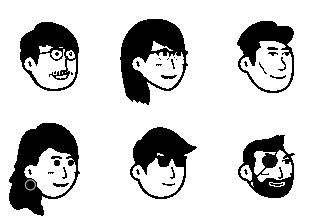
How to Use AI to Create Your Perfect Avatar
Discover how our AI-powered avatar generator can transform your photos or text descriptions into beautiful Notion-style avatars in seconds.
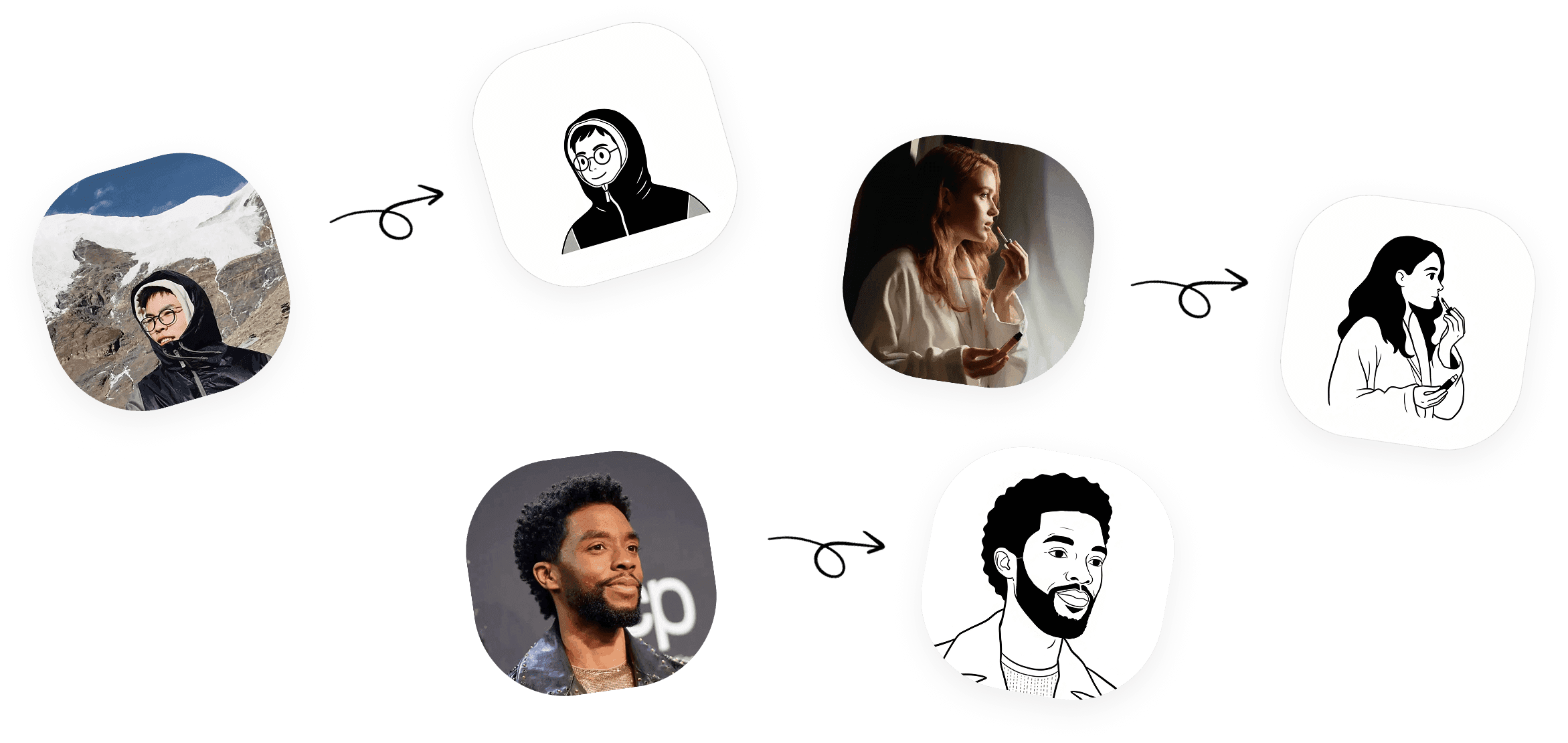
The future of avatar creation is here! Our AI Avatar Generator uses cutting-edge technology to create stunning Notion-style avatars from your photos or simple text descriptions.
Two Powerful Modes
Photo to Avatar
Upload any photo of yourself (or anyone!) and watch as our AI transforms it into a beautiful hand-drawn Notion-style avatar. The AI analyzes facial features, hairstyles, and accessories to create an accurate yet stylized representation.
How it works:
- Navigate to the AI Generator page
- Select "Photo to Avatar" mode
- Upload your photo (JPG or PNG, max 2MB)
- Click "Generate Avatar"
- Download your new avatar!
Tips for best results:
- Use a clear, well-lit photo
- Face the camera directly
- Avoid photos with multiple people
- Higher resolution photos work better
Text to Avatar
Don't have a photo? No problem! Simply describe the avatar you want, and our AI will bring it to life.
Example prompts:
- "A girl with glasses and long curly hair"
- "A bearded man wearing a beanie hat"
- "A person with short spiky hair and earrings"
The more specific your description, the better the results!
Understanding Your Limits
We offer different plans to suit your needs:
| Plan | Generations per Day | Price |
|---|---|---|
| Free | 1 | $0 |
| Pro Monthly | Unlimited | $9.99/month |
| Credit Pack | 10 credits | $4.99 |
Frequently Asked Questions
Q: How long does generation take? A: Usually just a few seconds! The AI works fast to deliver your avatar.
Q: Can I use AI-generated avatars commercially? A: Absolutely! All avatars follow the CC0 license.
Q: What if I don't like the result? A: Simply try again with a different photo or adjust your text description.
Ready to try AI avatar generation? Get started now!